Illustrative workflows · not client case studies

Less chasing. More room for the work that grows the business.

Choose a familiar task to see what people do today, what a connected workflow could handle, and where a person stays in charge. These are planning examples, not real client projects or measured results. No business tools are connected on this site.

See automation and integration services

Pick a story

Three everyday workflows, made visible.

Use the steps to move through each story.

Example 01 · illustrative only

Enquiry to approved invoice

For a service business preparing quotes, invoices, and payment follow-ups.

Where the time goes

The enquiry arrives in email. Someone copies the customer, requested work, and dates into notes, then re-enters them to make a quote and later an invoice.

Person in the loop

The owner checks the work, recipient, amounts, dates, and terms, then approves each quote or invoice before it is sent. If payment status is unavailable, a person confirms it.
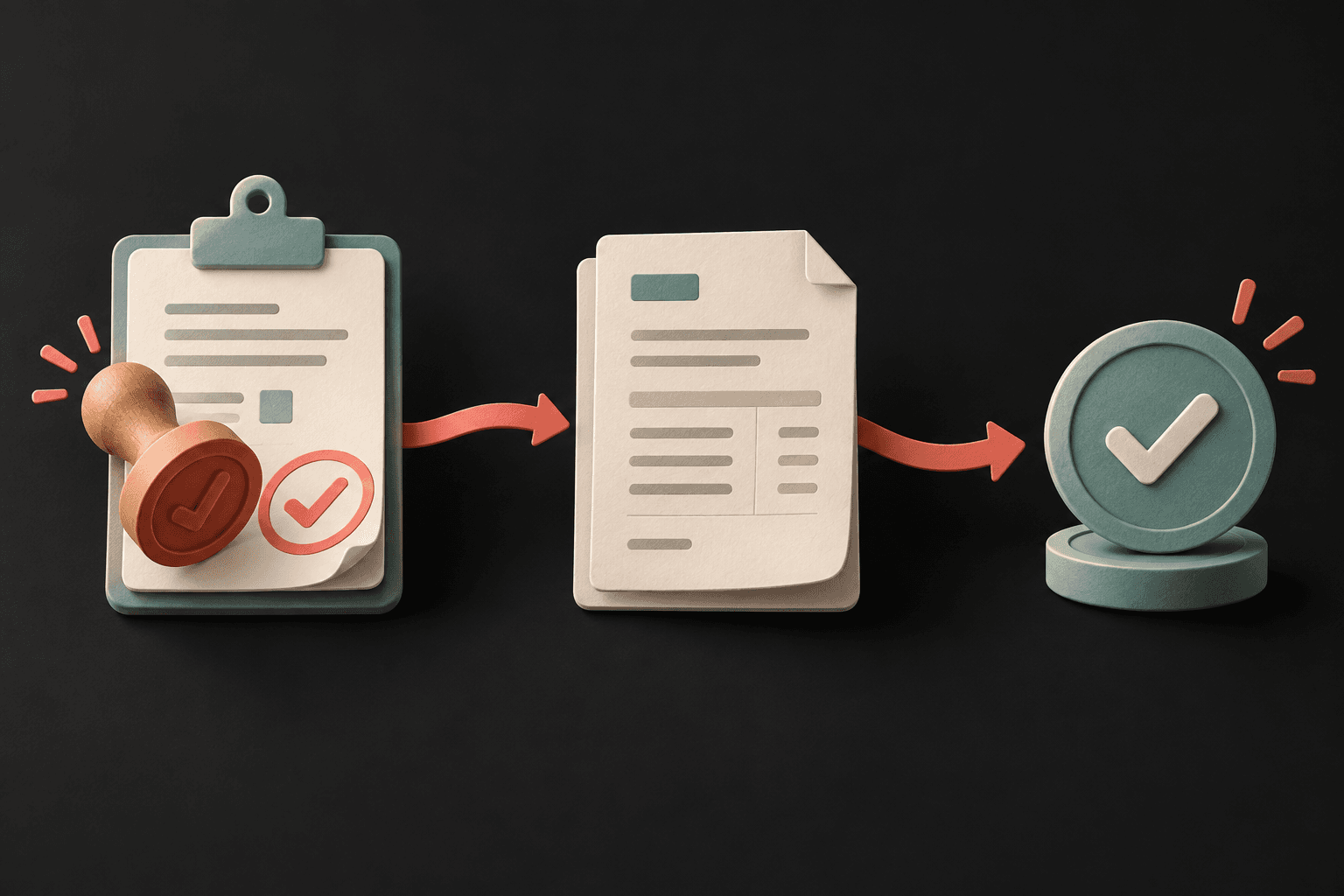
Illustration of service paperwork moving from approved job details to an invoice and approval mark.A possible path
Concept illustration · tools and steps depend on the business.
Show the full workflow steps
  1. Capture an enquiry in one agreed inbox or lead list, using only the fields needed for the job.
  2. Prepare a quote draft from the approved scope and rate information. Flag missing details for a person to resolve.
  3. The owner checks the work, amounts, dates, and terms, then approves and sends the quote.
  4. After the work is approved for billing, prepare an invoice draft from accepted details. The owner verifies the recipient, line items, total, and due date before sending.
  5. Where the selected finance tool supports it, show its payment status for follow-up. If it does not, leave a clear task for a person to confirm the status.

Keep a person responsible

Drafts and suggestions stop for review.

A person approves quotes and invoices before they are sent, checks receipt details and expense records before they are posted, and reviews lead follow-ups before sending. These examples do not move money or make accounting or tax decisions. A business’s owner and bookkeeper remain responsible for financial records.

What can connect depends on the tools, permissions, data quality, and process in use. Any time saved or growth in leads and revenue would need to be measured in that business; none is promised here.

Choose a practical first step

Start with one task and the tools around it.

The current preview contact page explains what is connected before you share any project details.